
Writluxe University
Get Out
Get Out
Couldn't load pickup availability
Episodic Series
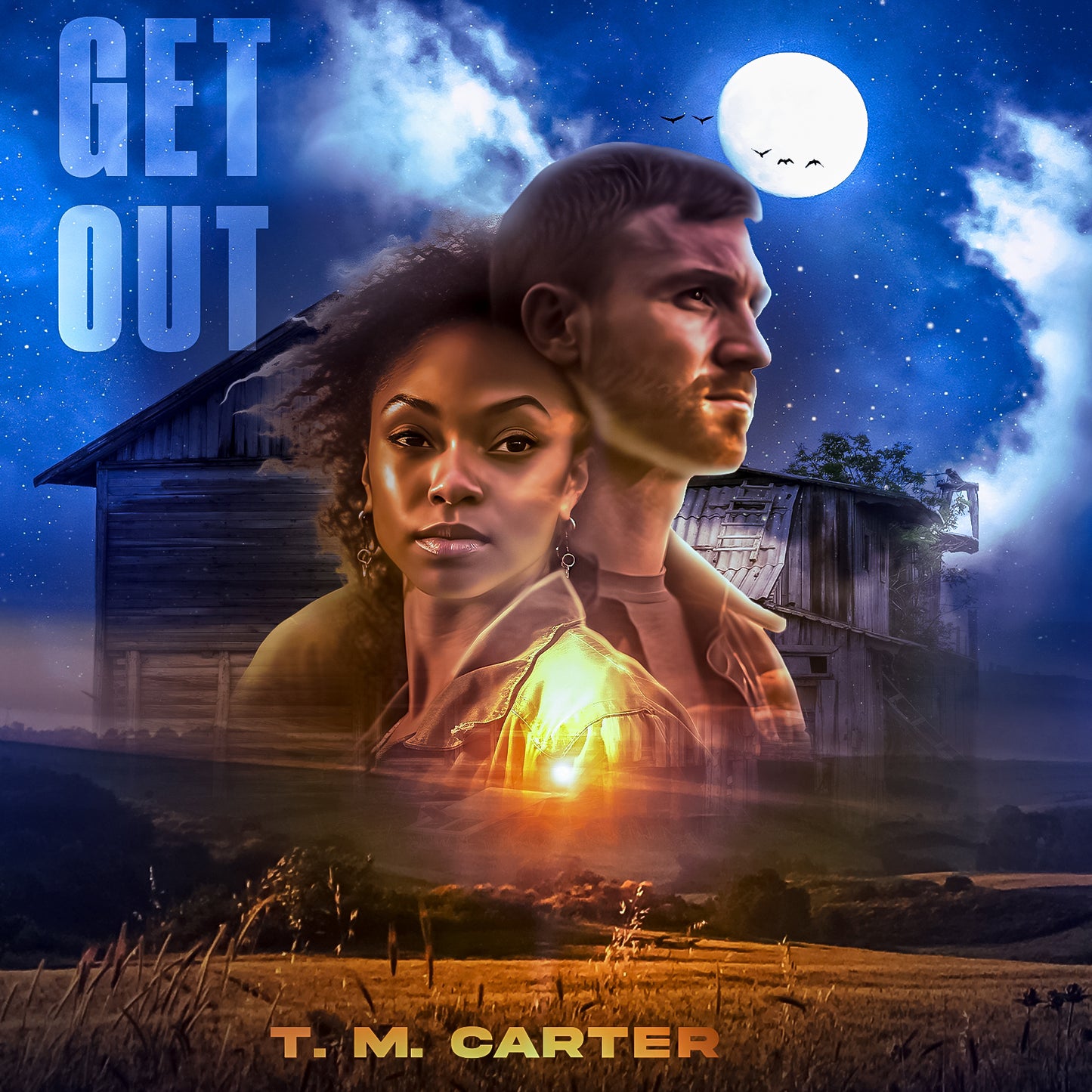
In the gripping thriller "Get Out," Alyssa's life takes a harrowing turn when she and her husband, Chandler, return to his family ranch in Wyoming. Alyssa faces a chilling battle against the demons of her past and the sinister forces lurking within the ranch's vast, isolated landscape. As tensions rise and secrets unravel, Alyssa's survival becomes a heart-pounding race against time. Will she find the strength to break free from the darkness, or will she be consumed by her husband's malevolence?
Apps that open .epub files
Apple (iPhone, iPad, Mac)
-
Apple Books (built in on iOS/iPadOS/macOS)
-
BookFusion
-
Marvin 3
-
KyBook
-
PocketBook Reader
-
FBReader
Android
-
Google Play Books
-
Moon+ Reader
-
ReadEra
-
FBReader
-
PocketBook Reader
-
Lithium
How to open the .epub
Apple Books (iPhone/iPad)
-
Download the .epub and open the Files app.
-
Tap the file → Share → Books.
-
It will appear in your Library.
Apple Books (Mac)
-
Download the .epub.
-
Double-click it, or drag it onto the Books app icon.
Google Play Books (Android)
-
Download the .epub to your device.
-
Open Play Books → Library → Your files → Import, then pick the file.
Or: open your file manager, tap the .epub → Open with → Play Books.
Moon+ Reader / ReadEra / FBReader / PocketBook / Lithium (Android)
-
Download the .epub.
-
Open the reading app → “Import,” “Add book,” or “Scan device,” then select the file.
Or: from your file manager, tap the .epub and choose the app.
BookFusion / Marvin / KyBook / PocketBook / FBReader (iPhone/iPad)
-
Save the .epub to Files.
-
In Files, tap the file → Share → select the reader app.
The book will import to that app’s library.
Send to Kindle (to read in the Kindle app or on a Kindle device)
Method 1 — Share from your phone
-
iPhone/iPad: Save the .epub to Files → Share → Kindle.
-
Android: In your file manager, Share the .epub → Kindle.
Kindle uploads and converts it automatically. It shows up under Library → Docs in the Kindle app.
Method 2 — Email the file
-
Find your unique Send-to-Kindle email (Amazon Account → Manage Your Content and Devices → Preferences → Personal Document Settings).
-
Email the .epub as an attachment to that address.
-
If asked, approve your sender email. The book appears in Docs after conversion.
Method 3 — Web upload
-
Go to Amazon’s Send to Kindle page while signed in.
-
Upload the .epub, choose your device or app, then Send.
-
Open the Kindle app and refresh your Library → Docs.